Automatic Job Tracking
Written By Rayan Bajwa
Last updated Over 1 year ago
How Automatic Job Tracking Works on JobSwift?
When applying jobs with JobSwift, all your application correspondence is received on JobSwift (learn how). So, once you receive any inbound messages regarding your application, JobSwift analyzes them and retrieves the job application status. This status can be Submitted, Interview Scheduled, Offer Received and so on. The status is then automatically tagged to the relevant job saved on JobSwift.
How to Track Applications?
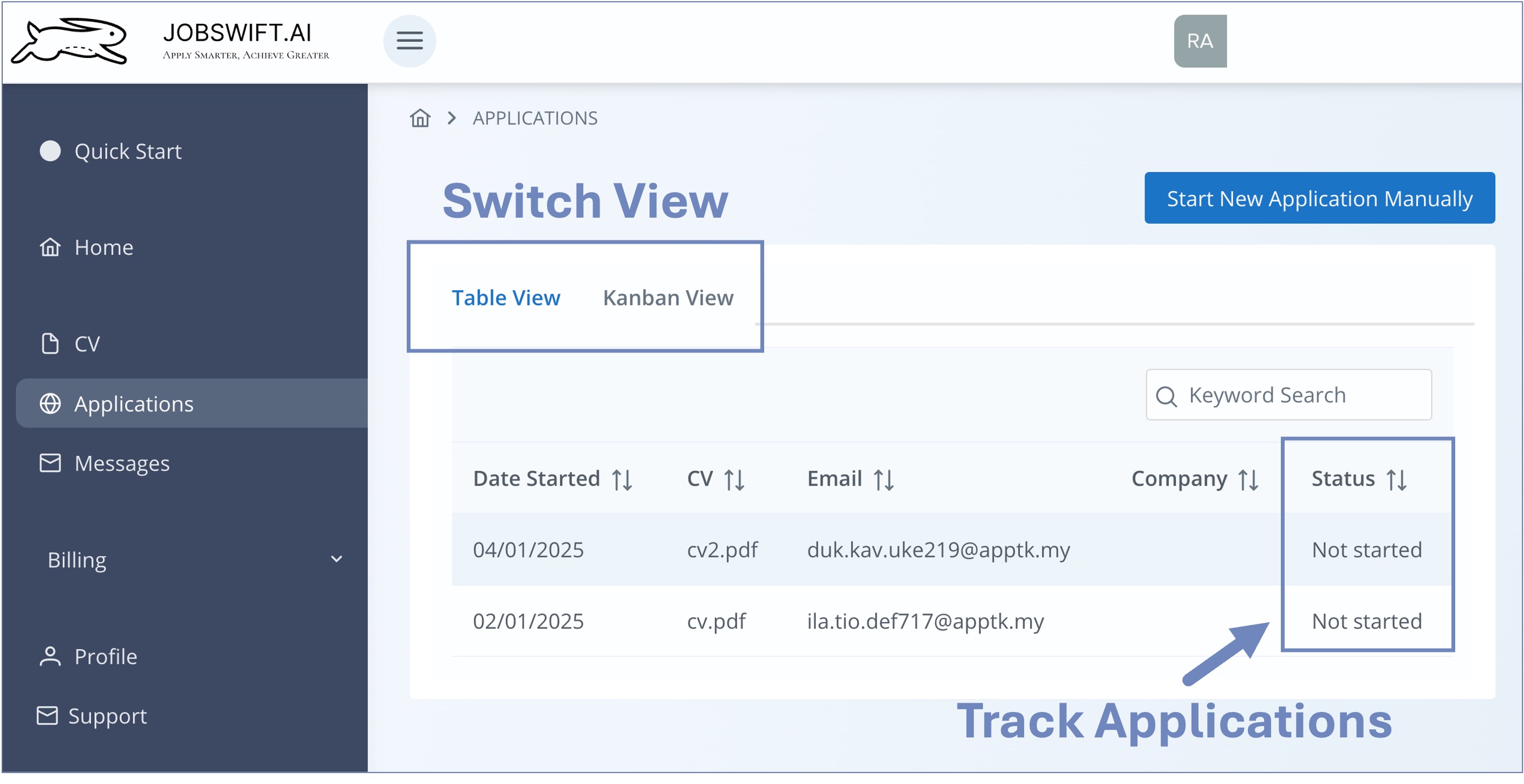
Applications on JobSwift can be tracked by their status. Navigate to the Applications page, which lists all your past jobs saved on JobSwift, and monitor the current status. Currently, there are two ways to view your saved jobs and their status.
Table View
Kanban View